Options
Sales Cash > Options
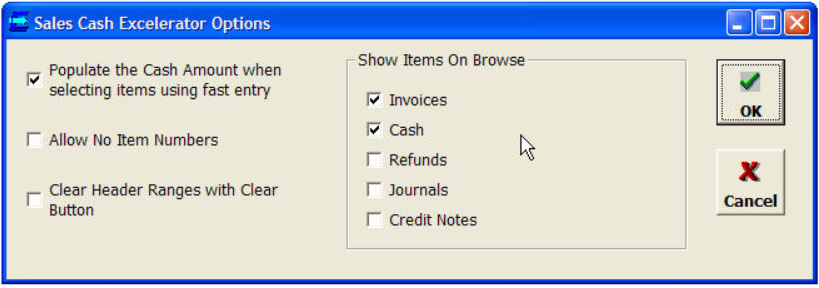
- Populate the Cash Amount...- When using Speed Entry mode, populate the cash amount with the outstanding amount for the entered invoice.
- Allow No Item Numbers - Cash item numbers will be automatically generated for each customer in the sheet. The user does not have to enter them.
- Clear Header Ranges with Clear Button - If this is clicked, then the batch number and cash date will be cleared when the Clear option is selected.
- Show Items On Browse- Selects which items are shown on the allocation lists.