Saving Budgets to Sage
User can enter an existing budget code if user is updating, or a new code. Existing codes can be listed.
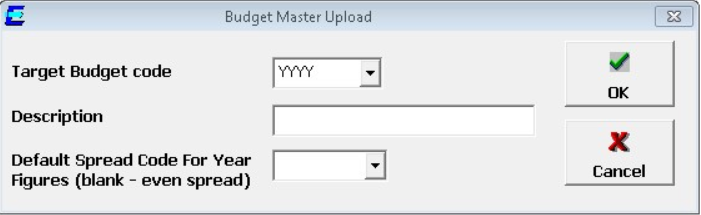
If user have included a year total, user will be able to enter a default spread code that will be used to apportion the year total across periods.
Select OK to update.
If the budget already exists, the following choice will be displayed:
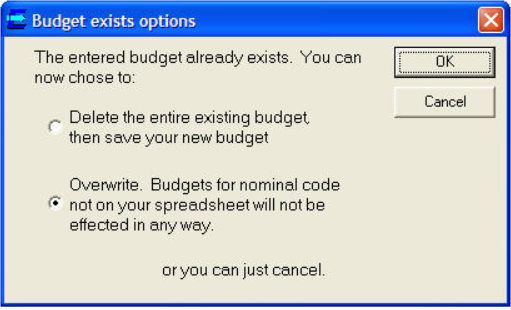
Select the first option "Delete the entire.." if user want to replace the entire budget for that budget code being used.
Select the second option "Overwrite..." if user want to only replace budgets for the nominal codes on the sheet, and leave the other codes unchanged.