Browsing Phase 1 Invoices
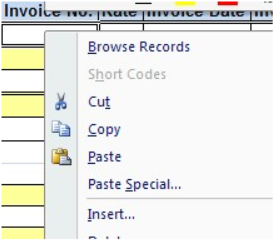
Right click on user mouse when in the invoice range or the "our reference" range.
A browse screen will be displayed.
This will list Phase 1 Posted Registered Invoices for the entered authoriser.
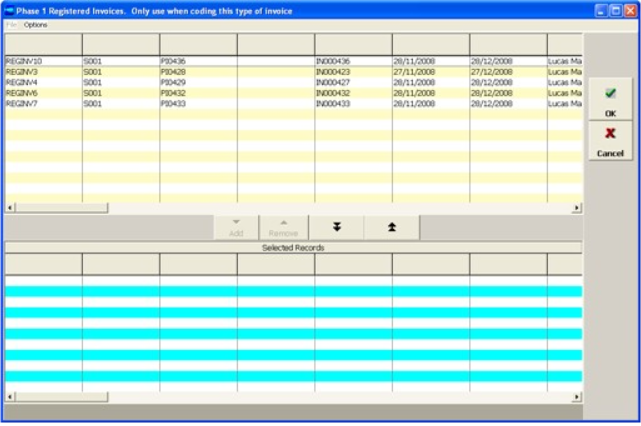
As with other Power Browses user can choose to select multiple invoices.
On selecting OK, the selected invoices and detail lines will be returned to the spreadsheet, starting from the cell user had selected.