Auto Allocations
Before auto-allocation, a customer and item amount must be entered:
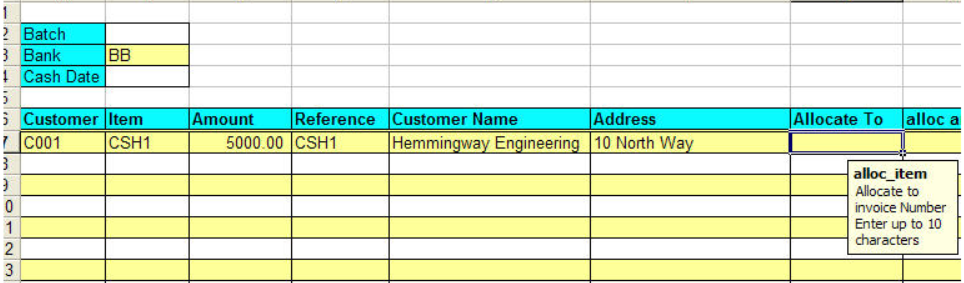
Right click in the allocate_to range, select Auto Allocate The Allocation screen as described in Manual Allocations is displayed.
Auto-allocation differs from manual allocations in two important ways:
- Any allocations already entered on the sheet are ignored.
- The cash amount is auto-allocated against open sales items (oldest item first)
Clicking on a column header will reorder the data by that column (click twice to reverse that order).
Clicking Auto Allocate will then auto-allocate in the order the items are listed in. This allows auto-allocation by other criteria such as open amount.