Analyse and Adjustment Entry
On selecting Analyse from the drill down screen, the following screen will be displayed:
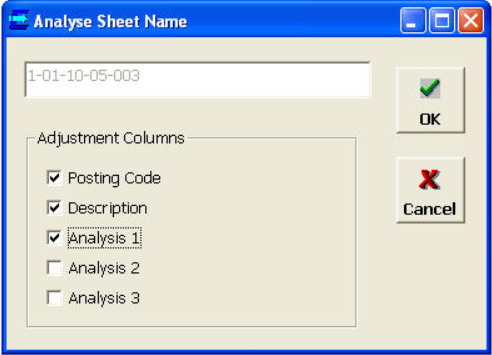
Selecting OK will generate an analyse sheet named Analyse_

User can now make adjustments to these transactions. Enter:
- An adjustment posting code or analysis codes
- An amount to adjust
- A description for the adjustment (if required)

When the adjustments are calculated, analyser will produce a two sided posting, one for the amount to the adjustment posting code or analysis codes, and one for minus the amount to the posting code being analysed.
Having entered the adjustments, user can drill-down and adjust other balances before making your trial adjustments.